
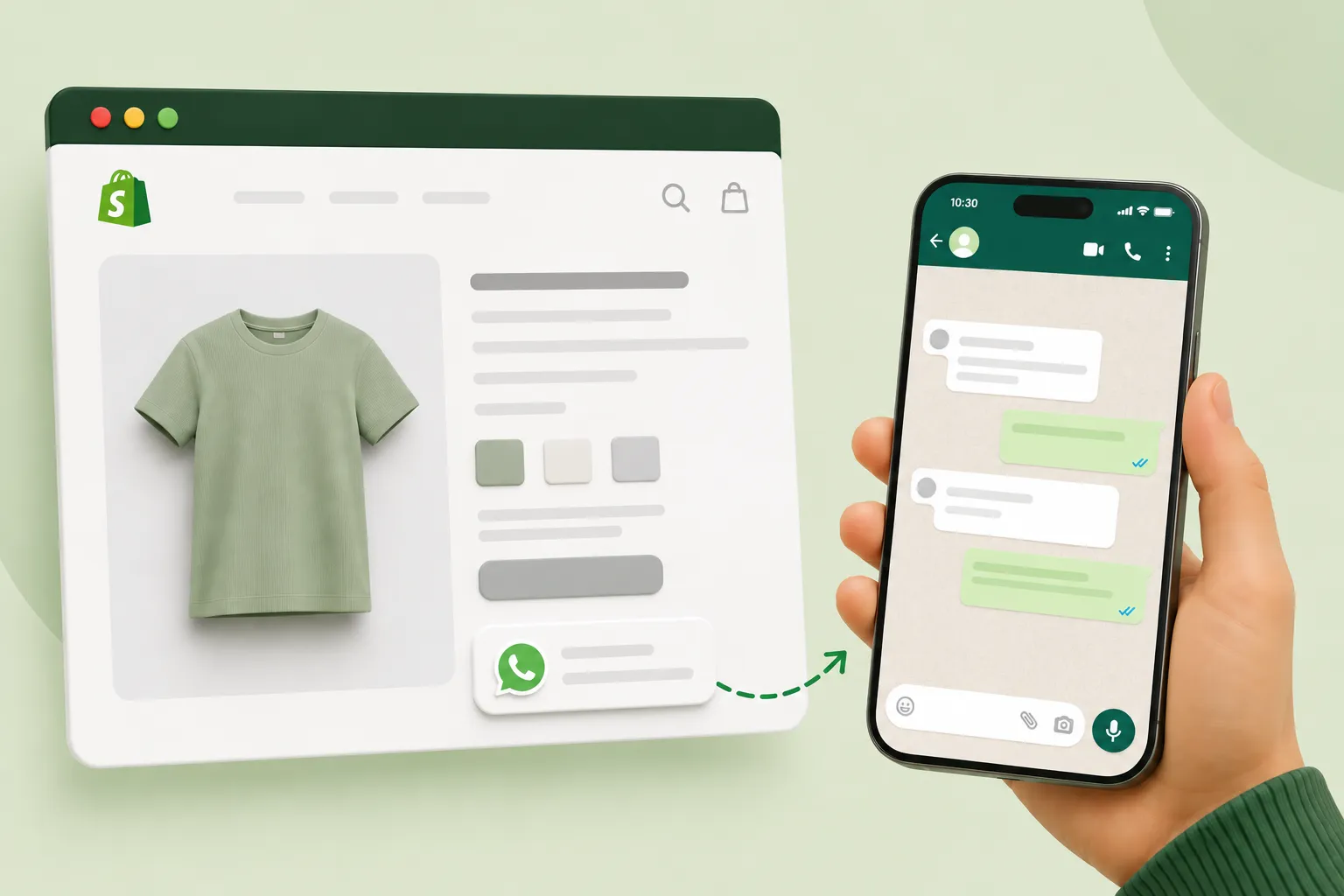
If you want to provide fast, direct support to your customers on your Shopify store, adding a WhatsApp button can be highly effective for your business. Nowadays, most customers do not want to wait for email or contact form responses; they want immediate replies from your store—and WhatsApp excels at this. Many people simply display their raw phone number on their website when setting this up; this looks unprofessional and isn’t trackable, meaning you miss out on valuable customer data. Certain tools offer a better solution using ‘wa.me’ links—creating a branded, clickable link that opens a chat instantly. In this guide, we will explore how to add a clean, effective WhatsApp chat button to your Shopify store without any coding knowledge, helping you boost your business sales through improved customer support.
Why Shopify Stores Need a WhatsApp Button
Customer support poses a major challenge for Shopify stores—email replies can take hours, while live chat apps often prove expensive or complex to set up. WhatsApp customer support has emerged as a natural solution for Shopify stores, and today, store owners are increasingly opting for WhatsApp buttons:
Nowadays, customers already use WhatsApp daily, so they don’t need to download a new app—making the process very convenient for them.
Order-related queries (regarding size, delivery, or payment) are resolved instantly, which is crucial for the customer.
Cart abandonment decreases when customers receive immediate replies before making a purchase.
It offers a familiar interface for international customers as well.
Without a proper WhatsApp button set up on your Shopify store, many potential customers leave simply because they cannot find an easy way to ask their questions, which results in lower sales.
Method 1 — Add a Basic wa.me Link Manually
The simplest method is to use WhatsApp’s own basic format (though it isn’t an advanced solution for your business):
https://wa.me/[country code][number]
Example:
https://wa.me/91 90241 01285
This allows you to add WhatsApp to Shopify without any external tools—simply paste this link into any text or button on your store, and the button will appear.
Limitation: While this is a free method, it doesn’t look professional for a business, and you don’t get any tracking data on how many customers clicked the link. It might be fine for small stores just starting out, but you will need a better option as you scale your business.
Method 2 — Add a Branded, Trackable WhatsApp Link
If you want a memorable WhatsApp link for your Shopify store that supports professional growth and provides analytics, it is best to use a WhatsApp link generator tool that captures advanced customer data.
Steps:
First, visit any WhatsApp link generator tool and enter your WhatsApp Business number.
Choose a custom branded name (e.g., walinkpro.com/yourstorename).
Set an optional pre-filled message.
Generate the link—you will also automatically receive a QR code.
Access the click analytics dashboard.
Setting up a Shopify WhatsApp chat this way not only looks professional but also provides real data on how many store visitors contacted you via WhatsApp and what they explored.
How to Add the Link to Your Shopify Theme (No Coding)
- A complete guide to adding your WhatsApp link (whether basic or branded) to your Shopify store:
- Go to Online Store > Themes in your Shopify admin panel.
- Click the ‘Customize’ button.
- Go to the navigation menu and add a new menu item—label it something like “Chat on WhatsApp.”
- Paste your WhatsApp link into the link field.
- Save your changes.
- In some themes, you can also add this link to the footer section so that your WhatsApp button remains visible on every page. This entire process requires no coding knowledge and is extremely simple—taking just two minutes to complete.
How to Add a Floating WhatsApp Chat Icon
- A floating icon (which remains visible in the corner of the screen) offers greater visibility than a plain text link, making it a valuable asset for your business.
- Options:
- Install an app from the Shopify App Store — free apps like “WhatsApp Chat Button” are available that automatically add a floating icon without requiring any advanced technical knowledge.
- Manually add it to the theme code (if you are comfortable doing so) — you can insert a small HTML snippet containing your `wa.me` link into your `theme.liquid` file.
- For most store owners,
- Option 1 (installing an app) is the easiest and fastest method.
- Setting Up Pre-Filled Messages for Product Inquiries
- A pre-filled message is a message that simplifies the customer’s first step—they don’t have to type anything themselves.
How to set up:
- Add the `?text=` parameter to the end of the link: `wa.me/919876543210?text=Hi, I have a question about my order`.
- If you are using a branded link generator (such as walinkpro.com), you can type the message directly into the “pre-filled message” field during setup.
Tip for product-specific pages: For e-commerce stores, it is more effective to use a unique pre-filled message for each product page—such as “Hi, I’m interested in [Product Name], is it in stock?”—as this provides the customer support team with immediate context.
Tracking Clicks from Your Shopify Store
A standard wa.me link does not provide any tracking data. However, if you use a branded link generator like WalinkPro, you can:
- Log in to the tool’s analytics dashboard.
- View the number of clicks and identify the days or times when activity is highest.
- This data helps you understand which product pages generate the most WhatsApp inquiries, ultimately helping your business grow.
It also helps continuously improve the WhatsApp customer support experience on Shopify—you can see which changes (such as updating pre-filled messages) boost click-through rates and make data-driven adjustments to increase your sales.
FAQs
Q1: Is it free to add a WhatsApp button on Shopify?
Yes, it is completely free. WhatsApp itself provides a basic ‘wa.me’ link, and most branded link generator tools also offer free plans, though these may be limited in duration.
Q2: Do I need a Shopify app to add WhatsApp chat?
No, it is not necessary. You can manually add the link to your theme’s navigation or footer without using an app. Apps are mainly useful for extra visual features, such as a floating icon.
Q3: Can I track how many customers click my WhatsApp button?
You cannot do this with a standard ‘wa.me’ link; however, if you use a branded WhatsApp link generator tool, those tools provide click analytics dashboards where you can see the number of clicks and when they occurred.